Tonmind PA System Pro fügt intelligente Aufnahmefunktion mit mehreren Auslösemodi hinzu
Sep 09, 2026Die neue Funktion bietet drei Aufnahmemodi: Geplante Aufnahme, Stichworterkennung und Klangerkennung. Benutzer können Audio zu festgelegten Zeiten aufnehmen oder die Aufnahme und Zonenaktionen automatisch auslösen, wenn vordefinierte Stichworte oder bestimmte Geräusche erkannt werden.
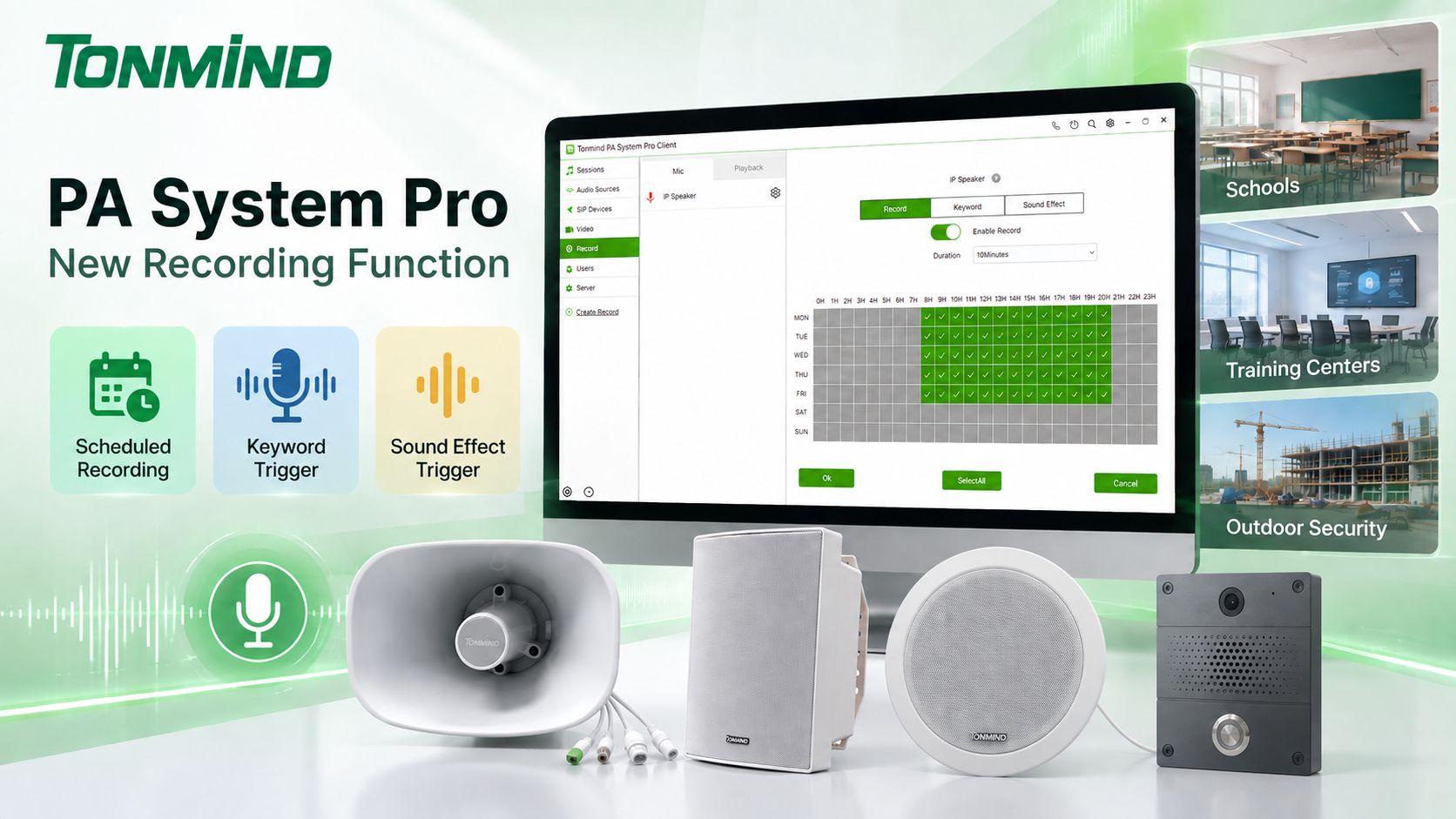
Tonmind PA System Pro ist eine All-in-One-IP-Audiomanagement-Software mit integriertem SIP-Server. Basierend auf einer Server-Client-Architektur unterstützt sie die Verwaltung mehrerer Benutzer und die zentrale Steuerung von IP-Lautsprechern, IP-Gegensprechanlagen, IP-Durchsagemikrofonen und anderen SIP-Geräten.
PA System Pro bietet eine breite Palette an Funktionen, darunter:
Mit ONVIF-Unterstützung kann PA System Pro auch kompatible Audio- und Videogeräte in dieselbe Plattform integrieren, wodurch es sich nicht nur für traditionelle Beschallungsanwendungen, sondern auch für Sicherheits- und Audioüberwachungsprojekte eignet.
Die neue Aufnahmefunktion erweitert die Möglichkeiten von PA System Pro weiter, indem sie es ermöglicht, Audio von verbundenen ONVIF-Geräten direkt über die Software aufzuzeichnen und zu verwalten.
Es stehen drei Aufnahmemodi zur Verfügung:
Der Aufnahme-Modus ermöglicht es Benutzern, spezifische Aufnahmezeiträume gemäß ihren Anforderungen festzulegen.
Benutzer können die Aufnahme aktivieren, die gewünschten Tage von Montag bis Sonntag auswählen und die gewünschten Aufnahmezeiträume konfigurieren. Sobald der Zeitplan gespeichert ist, startet PA System Pro die Aufnahme automatisch während der konfigurierten Zeiträume.
Dies ist besonders nützlich, wenn eine kontinuierliche 24/7-Aufnahme nicht erforderlich ist.
Zum Beispiel kann eine Schule den Ton im Klassenzimmer nur während der Unterrichtsstunden aufzeichnen, während ein Schulungszentrum während geplanter Kurse oder Prüfungen aufzeichnen kann.
Der Stichwort-Modus bietet eine intelligentere Möglichkeit, die Aufnahme auszulösen.
Benutzer können spezifische Schlüsselwörter konfigurieren, wie zum Beispiel:
„Hallo“ / „Tschüss“ / „Start“ / „Notfall“
Wenn das Mikrofon eines verbundenen IP-Geräts das konfigurierte Schlüsselwort erkennt, kann PA System Pro automatisch die entsprechende Aktion ausführen.
Zum Beispiel:
Schlüsselwort erkannt → Aufnahme starten
Es kann auch mit PA System Pro Zonen verknüpft werden, um Aktionen auszuführen wie:
Schlüsselwort erkannt → Sitzungswiedergabe starten
oder
Schlüsselwort erkannt → Sitzungswiedergabe stoppen
Dies ermög-licht es, Sprachbefehle in das IP-PA-Automatisierungssystem zu integrieren, ohne dass ein Bediener jede Aktion manuell steuern muss.
Zusätzlich zu Schlüsselwörtern kann PA System Pro verschiedene Arten von Geräuschen erkennen und diese als Auslöser verwenden.
Soundeffekte können verschiedene Audioereignisse umfassen, wie zum Beispiel:
Wenn zum Beispiel Sprache als Auslöser ausgewählt ist, kann PA System Pro automatisch die Aufnahme starten, wenn die Software menschliche Sprache erkennt.
Das erkannte Geräusch kann auch andere Aktionen auslösen:
Geräusch erkannt → Aufnahme starten
Geräusch erkannt → Sitzungswiedergabe starten
Geräusch erkannt → Sitzungswiedergabe stoppen
Dies verwandelt PA System Pro von einer herkömmlichen Rundfunkplattform in ein intelligenteres Audioüberwachungs- und Ereignisreaktionssystem.
Das Einrichten der Aufnahme in PA System Pro ist unkompliziert.
Stellen Sie sicher, dass PA System Pro und die IP-Geräte mit dem Netzwerk verbunden sind.
Klicken Sie auf „Create Record“ in PA System Pro. Das System sucht nach kompatiblen Geräten, die mit dem Netzwerk verbunden sind, wie zum Beispiel IP-Lautsprecher, IP-Gegensprechanlagen, IP-Mikrofone und andere IP-Audiogeräte.
Wählen Sie das gewünschte Gerät unter ONVIF aus, geben Sie den Benutzernamen und das Passwort des Geräts ein und fügen Sie es zu PA System Pro hinzu.
Nachdem das Gerät erfolgreich hinzugefügt wurde, kann dessen Audio für die Aufnahme verwendet werden.
Wählen Sie je nach Anwendung einen der drei Modi aus:
Aufnahme: Konfigurieren Sie die Tage und Zeiträume für die geplante Aufnahme.
Stichwort: Geben Sie die Stichworte ein, die eine Aufnahme oder Zonenaktionen auslösen sollen.
Klangereignis: Wählen Sie die Art des Klangs, wie z. B. Sprache, und konfigurieren Sie die Aktion, die ausgelöst werden soll, wenn der Klang erkannt wird.
Sobald die Einstellungen abgeschlossen sind, kann PA System Pro die konfigurierten Aufnahme- oder PA-Aktionen automatisch ausführen.
Die Kombination aus ONVIF-Audio, intelligenter Erkennung, Aufnahme und PA-Zonensteuerung macht die neue Funktion für eine Vielzahl von Anwendungen geeignet.
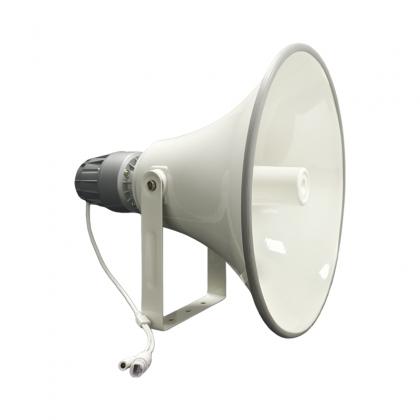
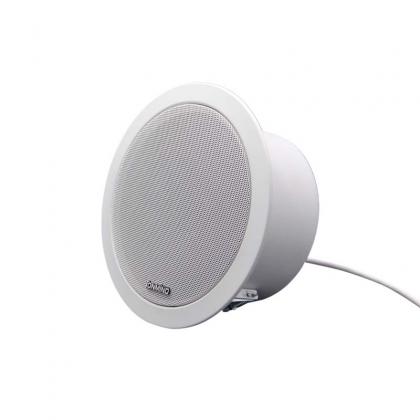
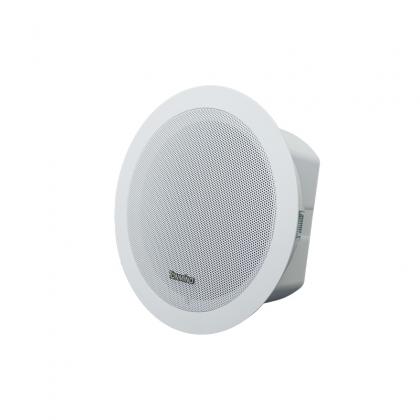
In Klassenzimmern können Tonmind IP-Lautsprecher oder andere IP-Audiogeräte mit Mikrofonen während festgelegter Unterrichtszeiten Audio erfassen.
Schulen können geplante Aufnahmen verwenden, um ausgewählte Klassen oder Aktivitäten aufzuzeichnen. Die Stichworterkennung kann auch für bestimmte Sprachbefehle konfiguriert werden, um die Aufnahme zu starten oder eine PA-Zone zu aktivieren.
Dies kann nützlich sein für Klassenzimmeraufnahmen, Sprachenlernen, Vorlesungen, Schulaktivitäten und Campus-Kommunikation.
Schulungseinrichtungen können Lektionen automatisch gemäß ihren Kursplänen aufzeichnen.
Anstatt die Aufnahme vor jeder Lektion manuell zu starten, können Administratoren Aufnahmezeiträume von Montag bis Sonntag konfigurieren. PA System Pro startet und stoppt die Aufnahme automatisch gemäß dem vordefinierten Zeitplan.
Dies ist geeignet für Schulungskurse, Vorlesungen, Seminare, Sprachkurse und andere Bildungsaktivitäten.
Der Klangereignis-Modus eröffnet zusätzliche Möglichkeiten für Außensicherheitsprojekte.
Zum Beispiel können IP-Audiogeräte mit Mikrofonen zusammen mit CCTV-Kameras auf Parkplätzen, Baustellen, Campusgeländen, in Lagerhäusern oder anderen Außenbereichen installiert werden.
Wenn das System ein ausgewähltes Klangereignis erkennt, kann es automatisch die Aufnahme starten. Es kann auch eine PA-Zone auslösen, um eine Warnmeldung abzuspielen.
Ein typischer Arbeitsablauf könnte sein:
Anormales Geräusch erkannt → Aufnahme starten → PA-Zone aktivieren → Warnmeldung abspielen
Dies liefert nützliche Audioinformationen neben der herkömmlichen Videoüberwachung und kann Betreibern helfen, Ereignisse effizienter zu überprüfen.
Die Funktion kann auch in Einkaufszentren, Bürogebäuden, Transporteinrichtungen, Lagerhäusern und anderen öffentlichen Bereichen eingesetzt werden.
Je nach Projektanforderungen kann die Aufnahme nur während bestimmter Zeiträume aktiviert oder durch Stichworte oder Klangereignisse ausgelöst werden. Dies reduziert unnötige Aufnahmen und liefert gleichzeitig Audioaufzeichnungen, wenn vordefinierte Ereignisse eintreten.
Mit der neuen Aufnahmefunktion geht Tonmind PA System Pro über herkömmliche Durchsage- und Rundfunksysteme hinaus.
Durch die Kombination von geplanter Aufnahme, Stichworterkennung, Erkennung von Soundeffekten, ONVIF-Integration und Zonensteuerung, ermöglicht die Software IP-Audiogeräten nicht nur die Tonübertragung, sondern auch das Abhören vordefinierter Audioereignisse und die automatische Reaktion gemäß konfigurierter Regeln.
Ob für Bildung, Schulung, Sicherheitsüberwachung, gewerbliche Einrichtungen oder öffentliche Räume, die neue Aufnahmefunktion bietet Benutzern eine flexiblere und intelligentere Möglichkeit zur Verwaltung von IP-Audio.
Zusammen mit Tonmind IP-Lautsprechern, IP-Gegensprechanlagen, IP-Mikrofonen und anderen SIP- & ONVIF-Audiogeräten bietet PA System Pro eine einheitliche Plattform für Rundfunk, Kommunikation, Überwachung, Aufnahme und intelligente Reaktion auf Audioereignisse.